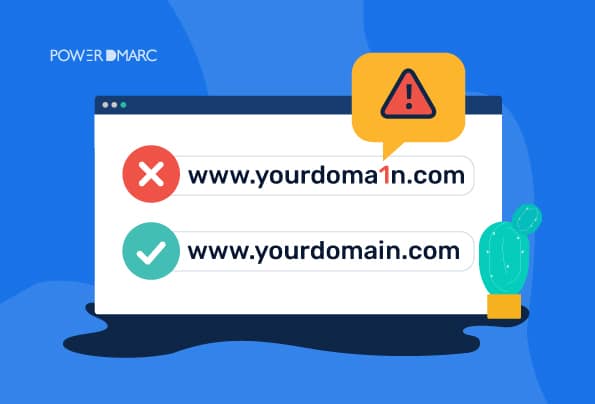
In the modern content creation landscape, fans regularly show support for creators through donations, purchasing merchandise, or joining exclusive communities. However, the surge in impersonator accounts across TikTok, YouTube, Instagram, and X (Twitter) has led thousands into phishing traps. To safeguard your finances and personal data while ensuring your support reaches genuine content creators, mastering link verification techniques is essential.
The Dangers of Impersonator Creator Links
Scammers frequently build social media accounts with usernames, profile pictures, and bios nearly identical to legitimate creators. They reupload videos and posts to establish trust, then embed malicious links in bios or comment sections to lure users. Clicking these links can result in financial loss through unfulfilled or counterfeit orders, stolen credit card details via spoofed payment portals, unwanted exposure to fraudulent Discord or Telegram channels promoting financial scams or malware, and donations diverted into scammers' personal accounts rather than reaching the intended creator or charity.
Process to Verify Donation, Merch, and Community Links
When clicking any link involving financial transactions or joining a creator's community, follow this 4-step verification procedure.
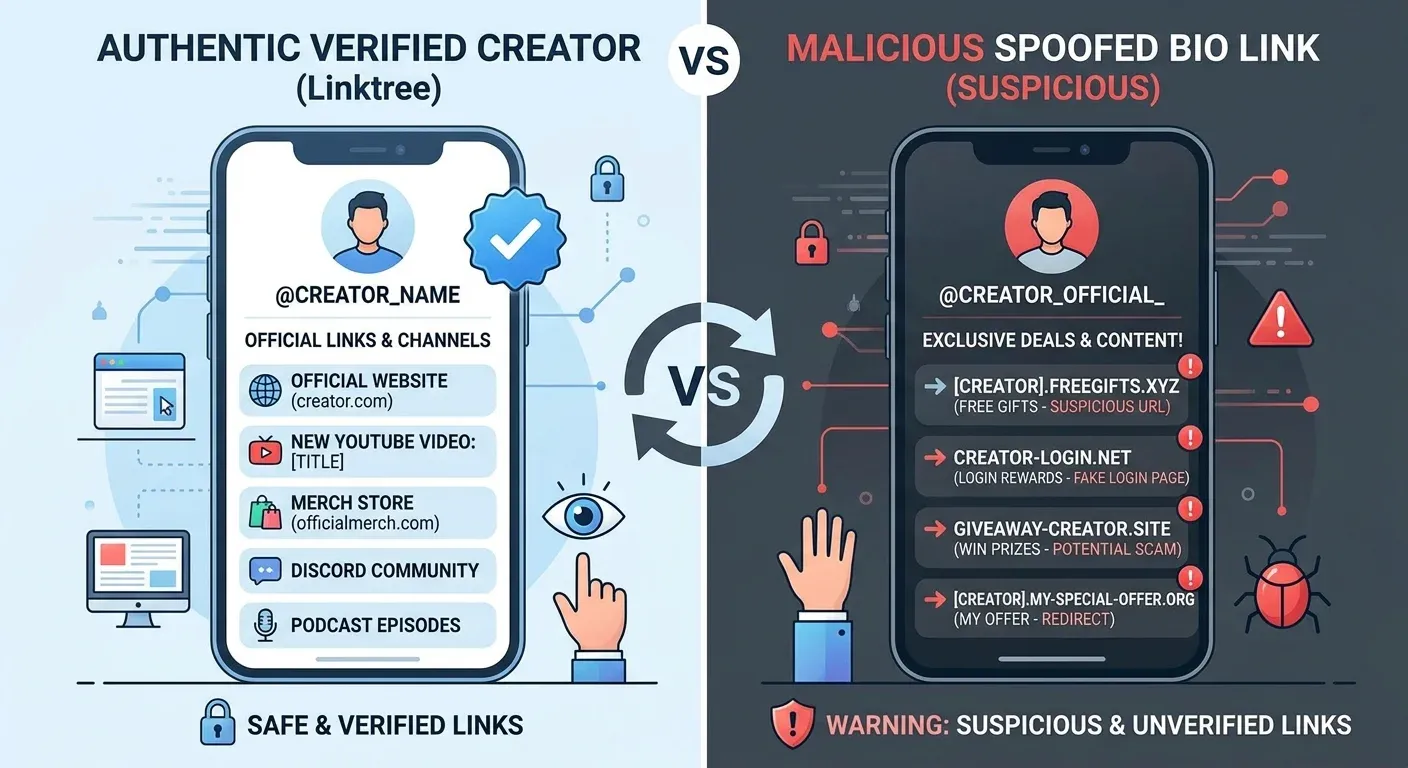
Verify the Source Account and Bio Link Aggregator
The original source publishing the link is your first line of defense. Never rely on links sent via direct messages (DMs), random comment threads, or unverified news outlets.
- Verified Badge Inspection: Prioritize links stemming from official YouTube channels, X accounts, or Instagram profiles carrying platform verification badges.
- Cross-Referencing Links: If you discover a merchandise link on TikTok, check whether the creator's official YouTube channel or website lists that exact URL. Reputable creators consistently publish a unified directory of their official media channels on their main website.
- Evaluate Bio Link Aggregators: Many creators use services like Linktree, Beacons, or Linkin.bio to centralize their links. Scammers frequently duplicate these landing pages. Check if the bio link page carries a platform verification badge or links back accurately to the creator's verified social accounts.
Analyze Domain Structure and Typosquatting Tricks
Typosquatting intentionally registering domain names that mimic brand names with subtle spelling variations is a widespread scam tactic targeting merchandise storefronts.
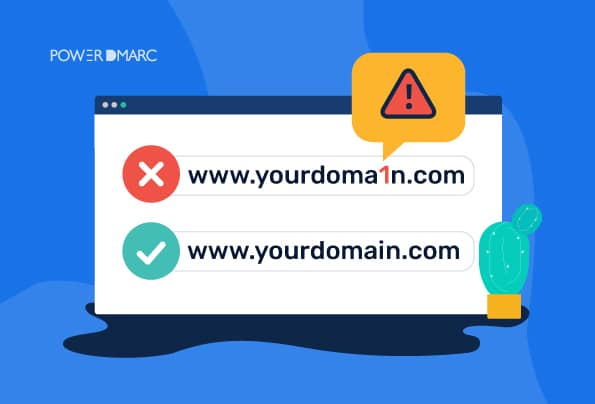
- Inspect Domain Characters: Closely review every character in the browser address bar. For instance, scammers might replace
mwithrn, swapowith0, or add trailing modifiers like-store,-shop-official, or.online(e.g.,creatorname-merch.shopinstead ofcreatormerch.com). - Recognize Subdomains: Distinguish between root domains and subdomains. For example,
creator.shop.comis hosted onshop.com, not on an independent domain owned by the creator. - Rely on Established Platforms: Most creators distribute through trusted commerce platforms such as Shopify, Gumroad, Spring (Teespring), Printify, Ko-fi, Patreon, or Buy Me a Coffee. If a link directs to an anonymous, unbranded store missing legal documentation, exercise extreme caution.
Inspect Donation Gateways and Merchandise Checkout Pages
Before entering credit card information or confirming a transfer, review technical security indicators on the payment page.
- Encryption Indicators: The website must use HTTPS protocols and display a padlock security icon in the browser address bar.
- Reputable Payment Gateways: Official stores and donation pages integrate PCI-DSS compliant international payment gateways such as Stripe, PayPal, Apple Pay, Google Pay, or recognized local banking gateways requiring OTP verification. If a site solely accepts cryptocurrency, direct personal transfers, or asks for PIN/CVV numbers directly on an unverified form, abort the transaction immediately.
- Check Legal Policies and Contact Info: Authentic merch stores display Terms of Service, Privacy Policies, Shipping & Refund Policies, and professional customer support email addresses (e.g.,
support@creatormerch.cominstead of a generic personal email).
Authenticate Official Community Channels (Discord, Telegram, Reddit)
Fan communities serve as direct interaction hubs for creators. To avoid joining malicious groups:
- Official Discord Servers: Large creator Discord servers typically feature custom invite links (Vanity URLs, e.g.,
discord.gg/creatorname) and possess Verified Server badges or Partnered Server status. - Check Admin Roles and Permissions: Upon joining a server, inspect the member list. The genuine creator will hold the highest role (Owner/Admin), carry a unique color tag, and regularly post in official announcement channels.
- Beware of Automated Bot DMs: Fake groups often configure automated bots to send private messages to new members offering discounted merchandise, crypto airdrops, or urgent donation requests. Creators and official moderators will never initiate unsolicited DMs requesting funds or OTP codes.
Red Flag Warning Signs: When to Stop Immediately
If you encounter any of the following signs, the link you are visiting is highly likely fraudulent:
- Abnormally heavy merchandise discounts (80–90% off) paired with countdown timers creating artificial urgency.
- Donation forms demanding unnecessary personal information such as national ID numbers, home addresses (for purely digital donations), or social media passwords.
- Bank transfer recipient names listing an unfamiliar individual instead of the creator's real name or registered management agency.
- Websites that automatically trigger unexpected file downloads (
.exe,.apk,.zip) upon clicking a link. - Support teams operating exclusively through anonymous messaging apps without publishing an official contact email or helpdesk.
Official Links vs. Fake Links
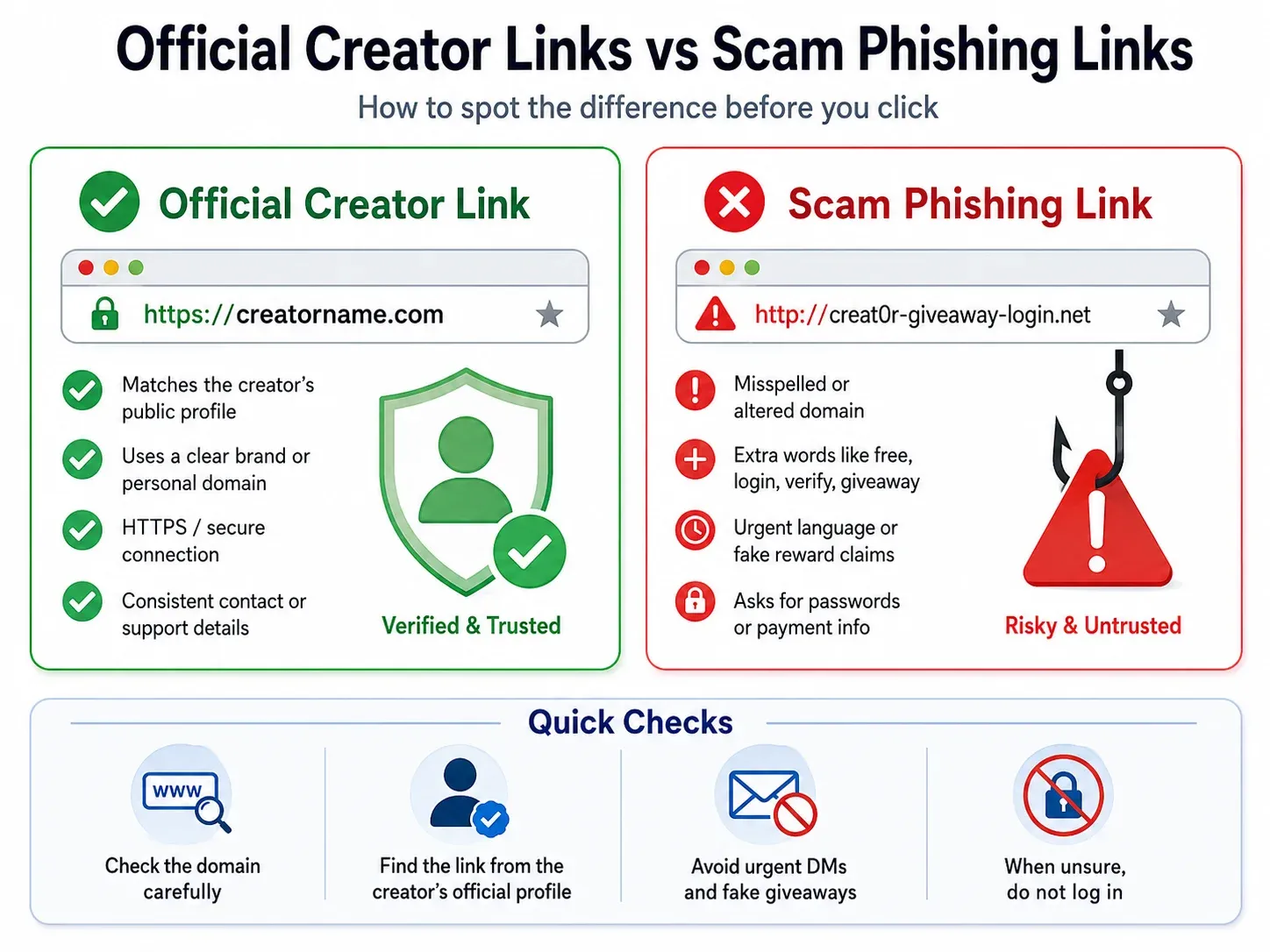
Publishing Source: Official links are published on verified main websites or verified social media accounts. Conversely, fake links frequently circulate in comments, direct messages (DMs), or through impersonator profiles. Always prioritize accessing links through verified brand channels.
Domain Name: Official links utilize domain names that match the brand along with standard extensions like .com or .store. Fake links often feature spelling errors, added characters, or rely on free subdomains. Always review the URL carefully before proceeding.
Payment Gateways: Official websites integrate trusted payment processors like Stripe, PayPal, or bank gateways with SSL encryption and OTP authentication. Fake pages request card details on unverified web forms, accept only cryptocurrency, or demand direct personal transfers. Treat these as major red flags.
Legal Information: Legitimate websites include clear Terms of Service, Return Policies, and business domain support emails. Impersonator sites lack legal terms or offer only personal Gmail/Yahoo contact addresses. This is a critical indicator of legitimacy.
Community Verification: Official Discord communities feature Verified or Partnered status and are directly managed by verified accounts. Unofficial or fake groups lack official admins and are overrun with spam bots. Verify server status before participating or clicking posted links.